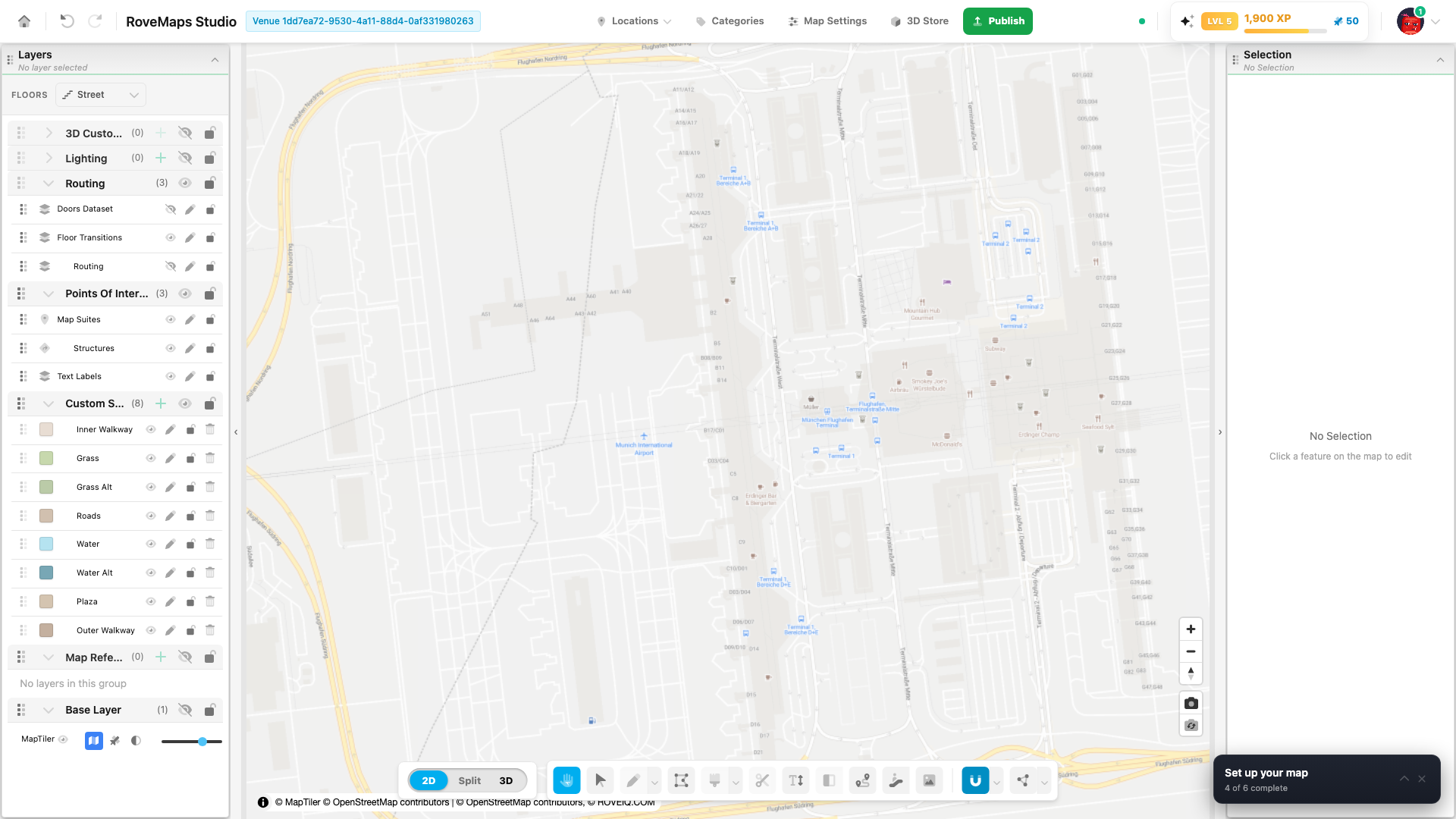
Build your map
With your venue set up, you are ready to build. If you have a floor plan, Studio can turn it into editable polygon features quickly; otherwise, you can paint or draw the map directly.
Fastest start: turn a floor plan into map layers
⭐ Recommended when you have a floor plan. This is usually the quickest route from an empty venue to editable map geometry.
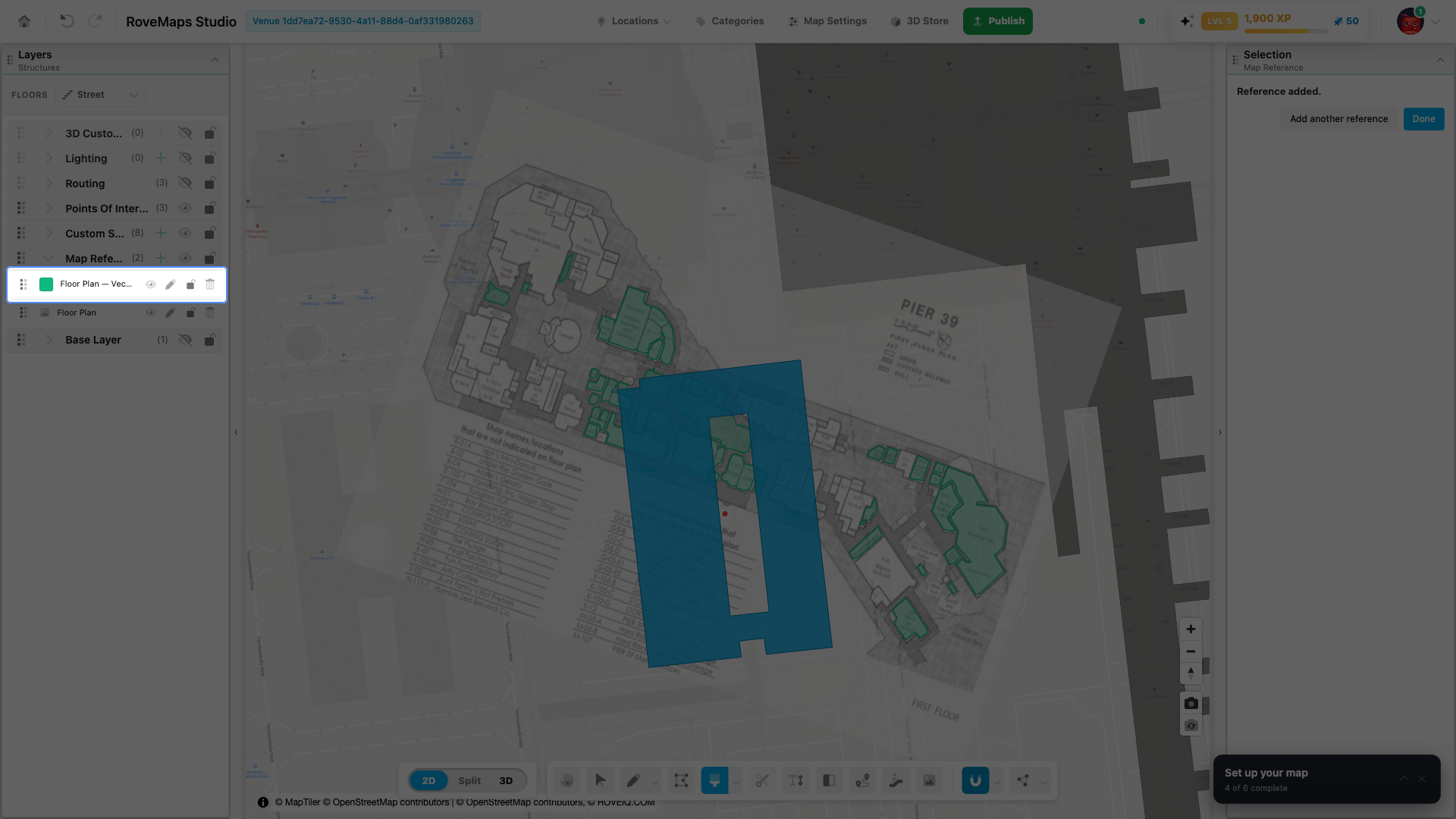
- Open Upload Reference with the + beside Map References or the Image Reference toolbar button.
- Upload and align the floor plan with the placement handles.
- Click Place, then Generate.
- Preview the detected shapes and click Create Reference Layer.
You now have two layers: the aligned raster source and a generated polygon reference. Copy the generated features to a real map layer to make them publishable. Follow the complete visual walkthrough in Map References.
Draw structures
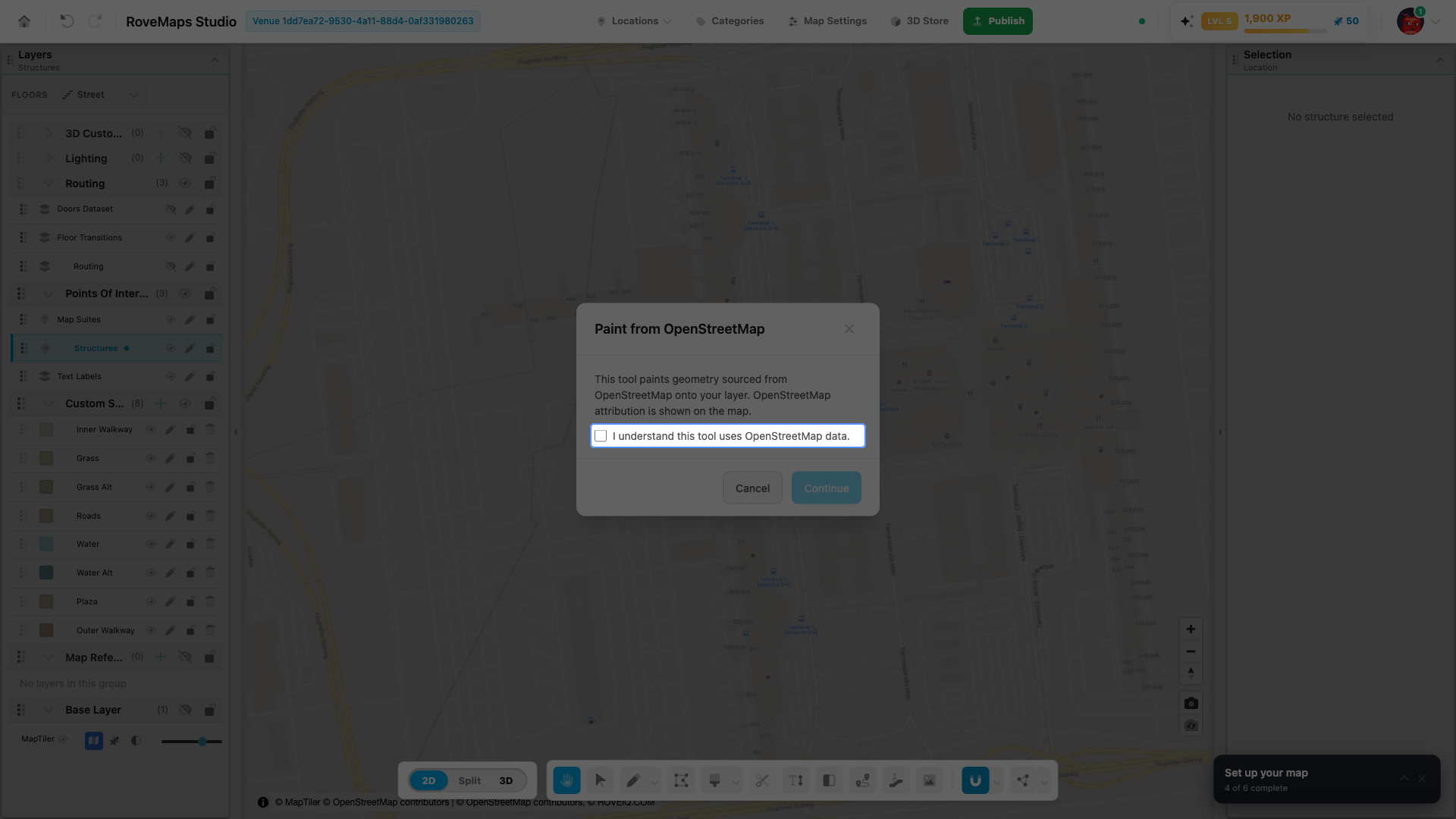
Structures are the building and room footprints on each floor. Select a structures layer, then either:
- Paint from OpenStreetMap — the fastest start when a usable OpenStreetMap footprint exists. Pick the Paint tool, acknowledge the OpenStreetMap attribution once, and click any building: its real footprint is traced onto your structures layer, label and door included.
- Draw by hand — use the Draw tool to outline a footprint yourself. Drawing a structure also creates its label and a door automatically.
See Paint from OpenStreetMap, Draw, and Structures.
Refine shapes
Use the Vertex Tool to reshape a footprint after drawing it — move, add, or delete vertices without redrawing the feature.
See Vertex Tool.
Label suites
Each structure carries a map-suite label. Edit its text and styling from the selected structure’s panel, or place standalone labels with the Text Label tool.
Connect routes
Use the Routing Tool to connect doors into a path network so visitors can get directions. Routing needs a routing layer on the current floor.
Notes
- Work one floor at a time using the Floors strip in the Layers panel.
- Everything you draw stays in your draft until you publish.
Next: Publish & embed your map →