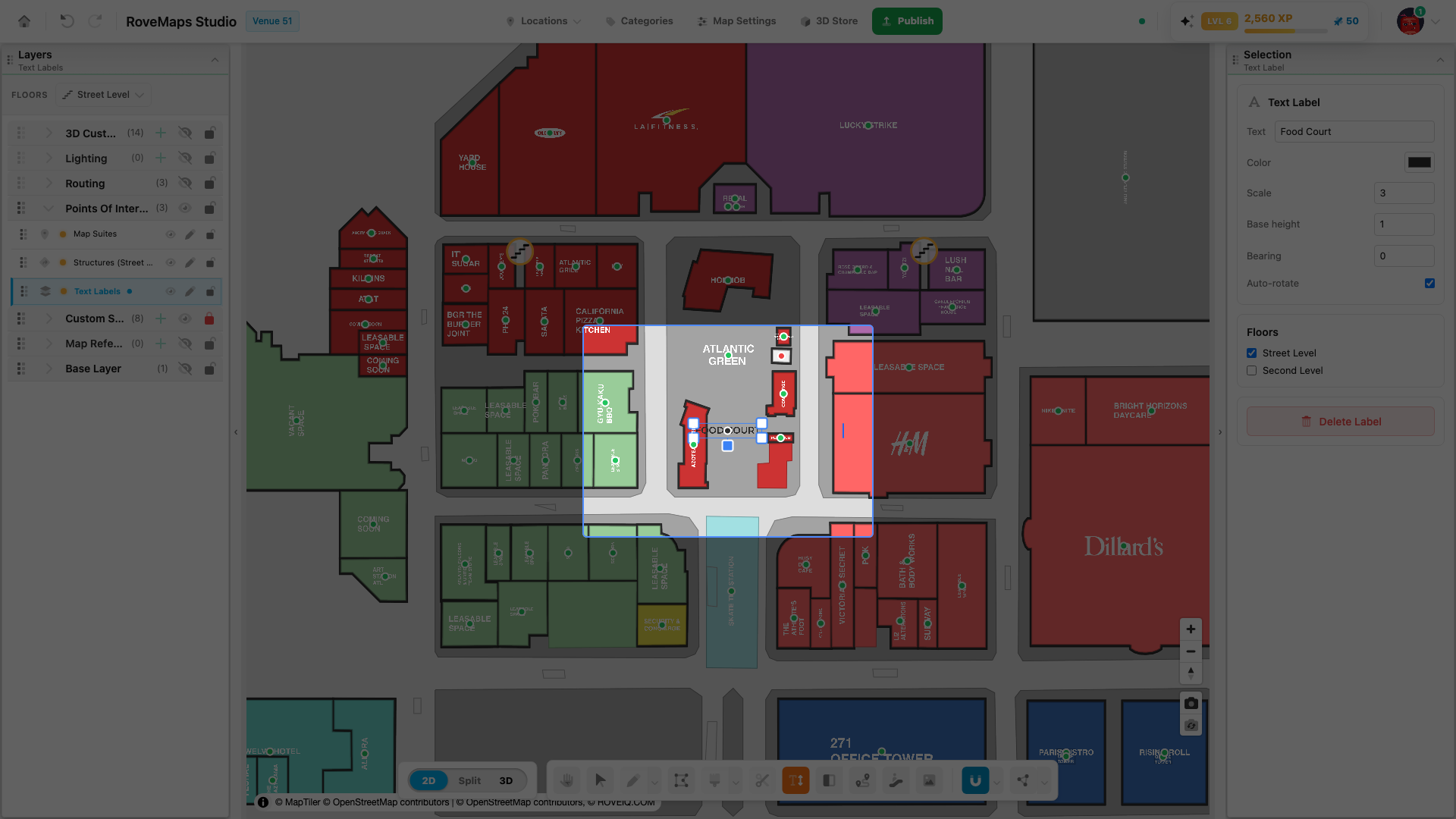
Text Labels
The Text Labels layer holds freestanding text you place anywhere on the map — street names, area names, or notes — separate from map suites. You create and style text labels with the Text Label tool.
The Text Labels layer
There is one Text Labels layer per venue. Each label is a point feature with a flat set of properties:
- Text — the label content.
- Color — the text color.
- Scale — the label’s size.
- Base height — how high the text floats above the floor in the 3D view, in meters.
- Bearing — the label’s rotation.
- Auto-rotate — a per-label orientation toggle.
- Floors — the floors the label is assigned to.
Labels are independent — each one is edited on its own. A new label borrows its starting Scale, Base height, Color, and Auto-rotate from the labels already on the map (see the tool’s Default label values), then stays editable separately.
Text labels vs. map suites
Text labels and map suites both render text in the Points Of Interest group, but they are different features:
- A map suite is the on-map title for a structure. It is created automatically with the structure, its content is resolved from the associated location or settings, and its handle dot is green or red to show location status.
- A text label is freestanding text you type yourself. It has no structure or location link, and its handle dot is tinted the label’s own color — it does not carry the green/red location meaning that map suite dots do.
See Map Suites and its green vs red legend.
Floors and visibility
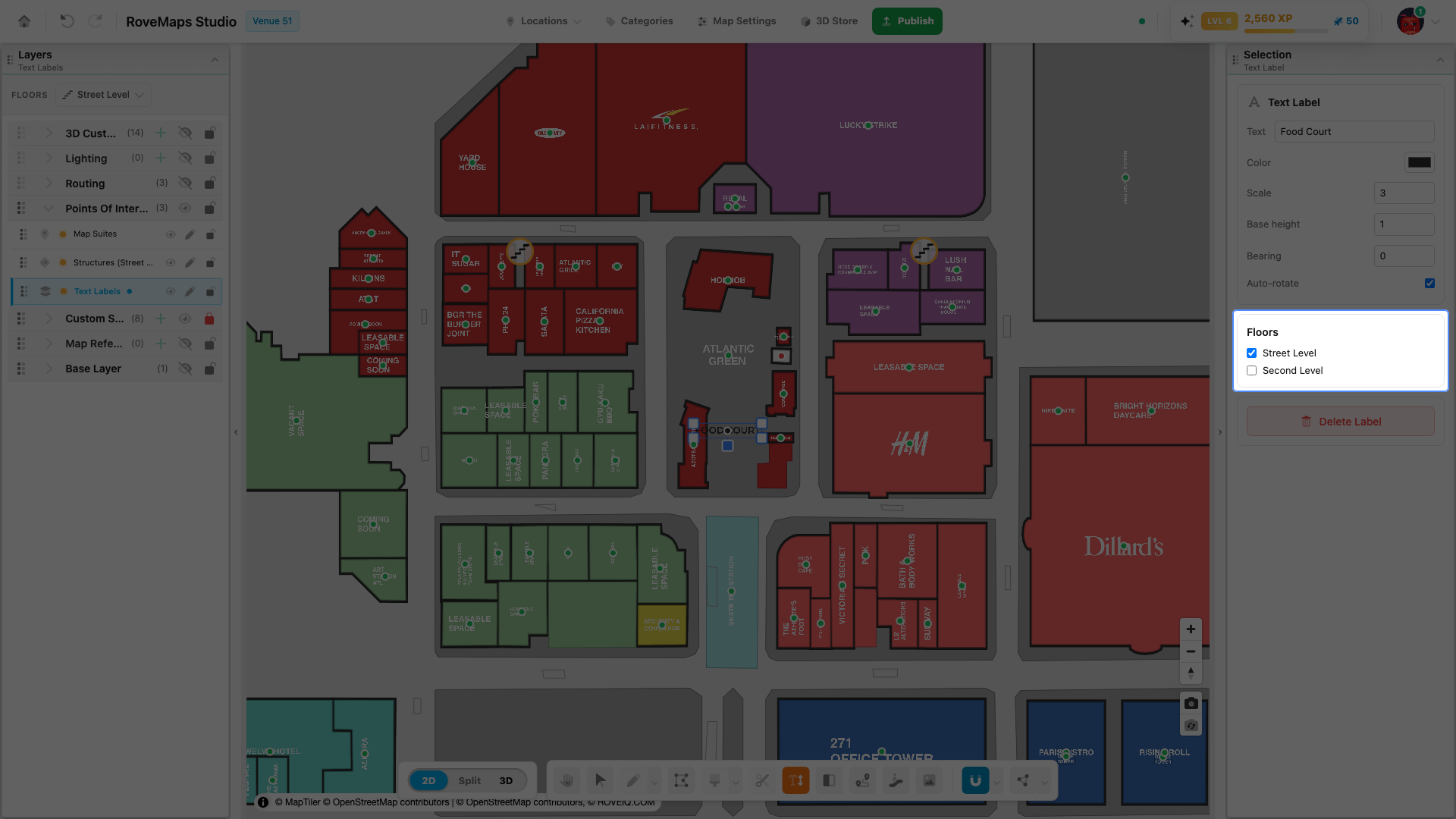
Assign a label to one or more floors in its panel. The label renders only when the active floor filter includes one of its floors, the same way its Points Of Interest siblings are floor-filtered. The layer’s visibility eye in the Layers panel hides or shows every label at once.
Placing and styling labels
Text labels are created and styled with the Text Label tool:
- Place a text label
- Edit a label’s text
- Rotate and scale a label
- Auto-rotate
- Adjust label height in 3D
Glossary
- Text Labels layer — the per-venue layer holding freestanding text labels.
- Text label — freestanding text placed on the map, independent of any structure.
- Handle dot — the label’s grab point, tinted the label’s own color (not the green/red suite status).
- Base height — how high the text floats above the floor in the 3D view, in meters.