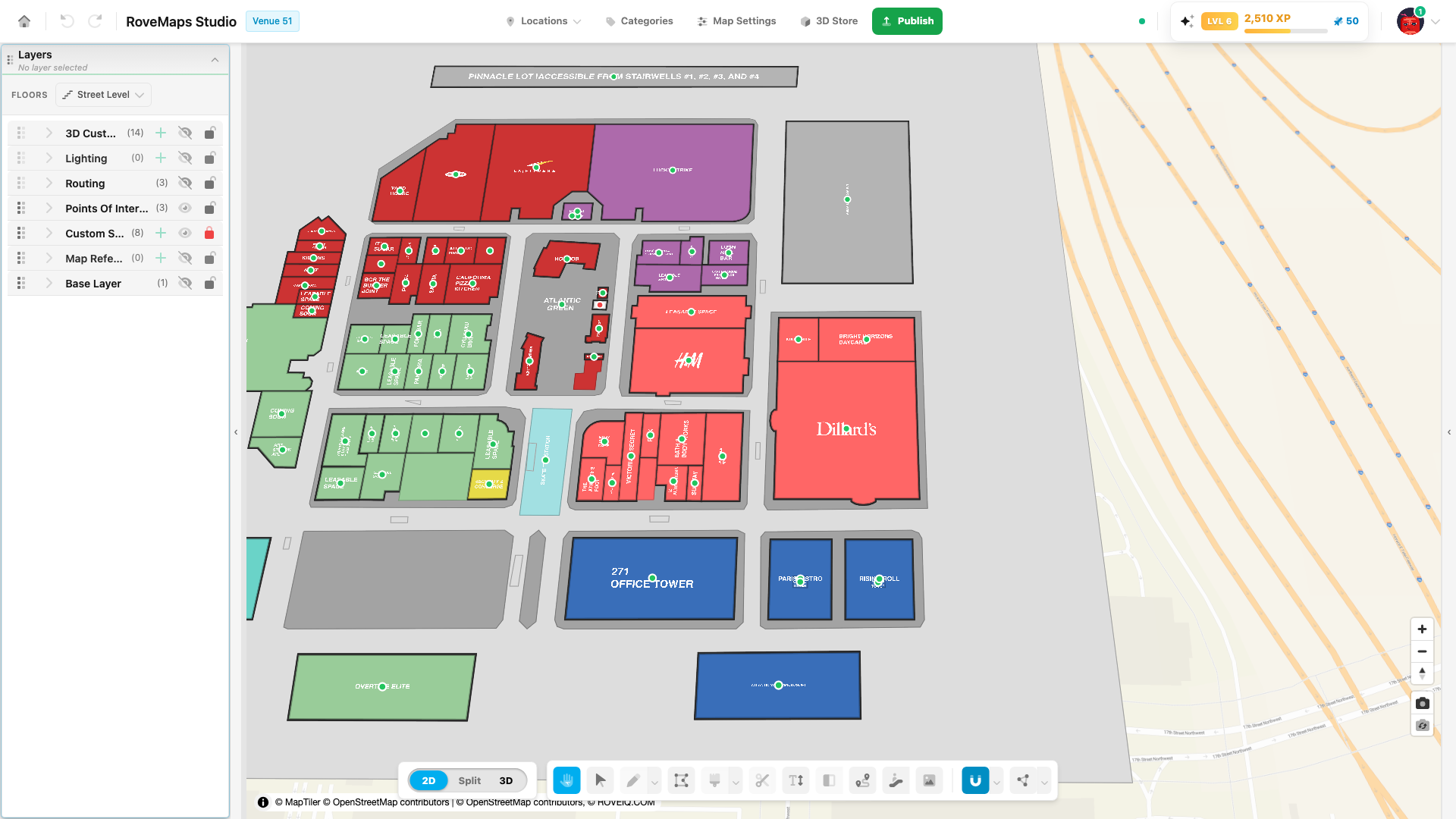
Map Suites
A map suite is the on-map label for a structure — the title text (or image) plus a small handle dot, drawn at the structure’s centroid. Suites live in the Points Of Interest group. There is one suite per structure, and you never create a suite on its own: it is created, moved, and deleted with the structure it belongs to.
The suite is a structure’s label
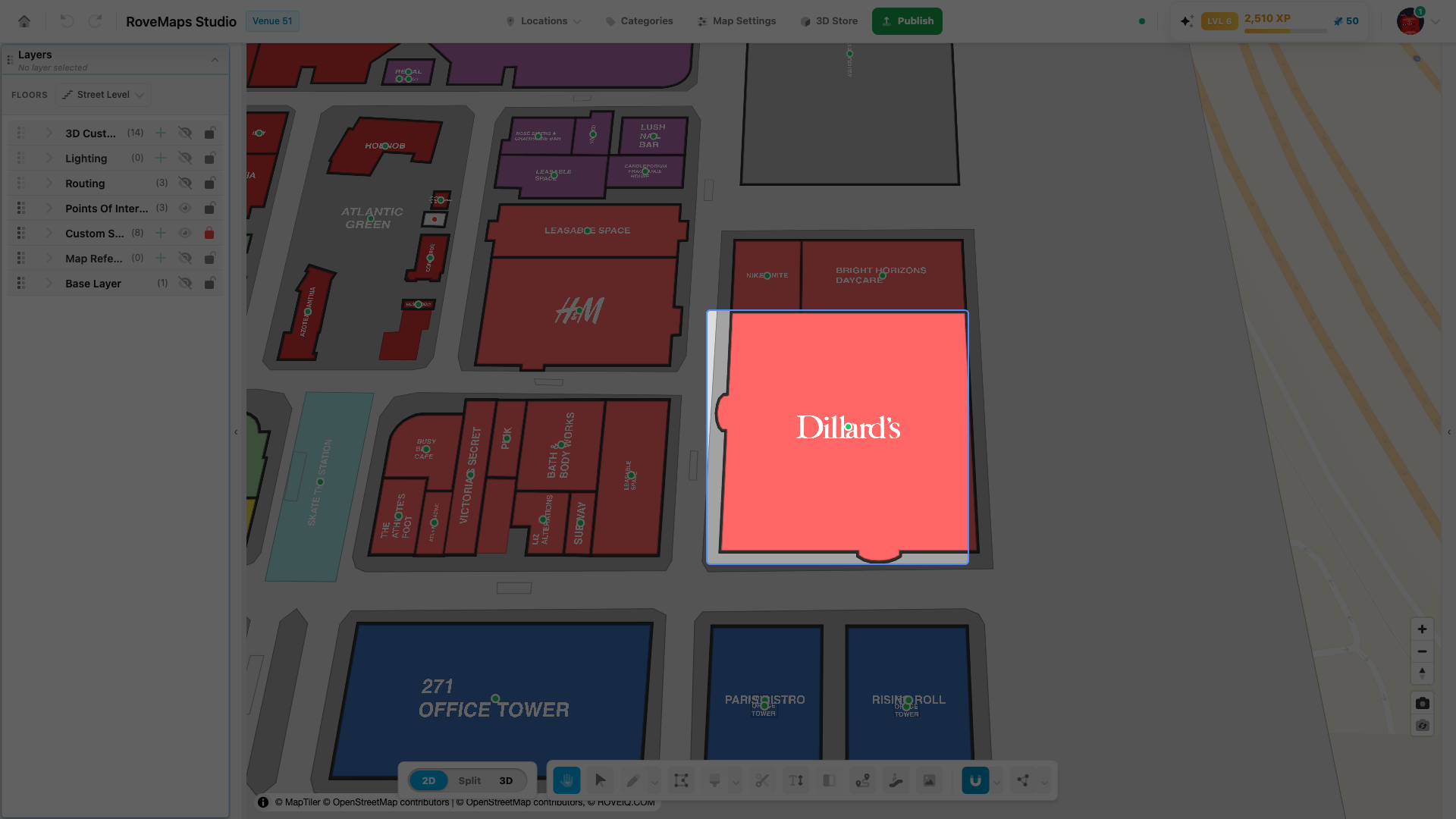
The structure owns the building footprint and its fill. Its companion map suite carries the on-map title and label styling, and renders as the title text plus a small handle dot at the structure’s centroid.
- A suite is tied to its structure by
suite_id: the structure’sidmatches the suite’ssuite_id. Newly drawn structures use the naming conventionsuite_${structureId}; pre-existing structures from the API are linked by their databasesuite_id. - Suites are created with their structure. Drawing a structure with Draw — or painting one from OpenStreetMap — also creates its companion suite (and door) in the same step. Deleting the structure removes the suite with it.
Reading the handle dot: green vs red
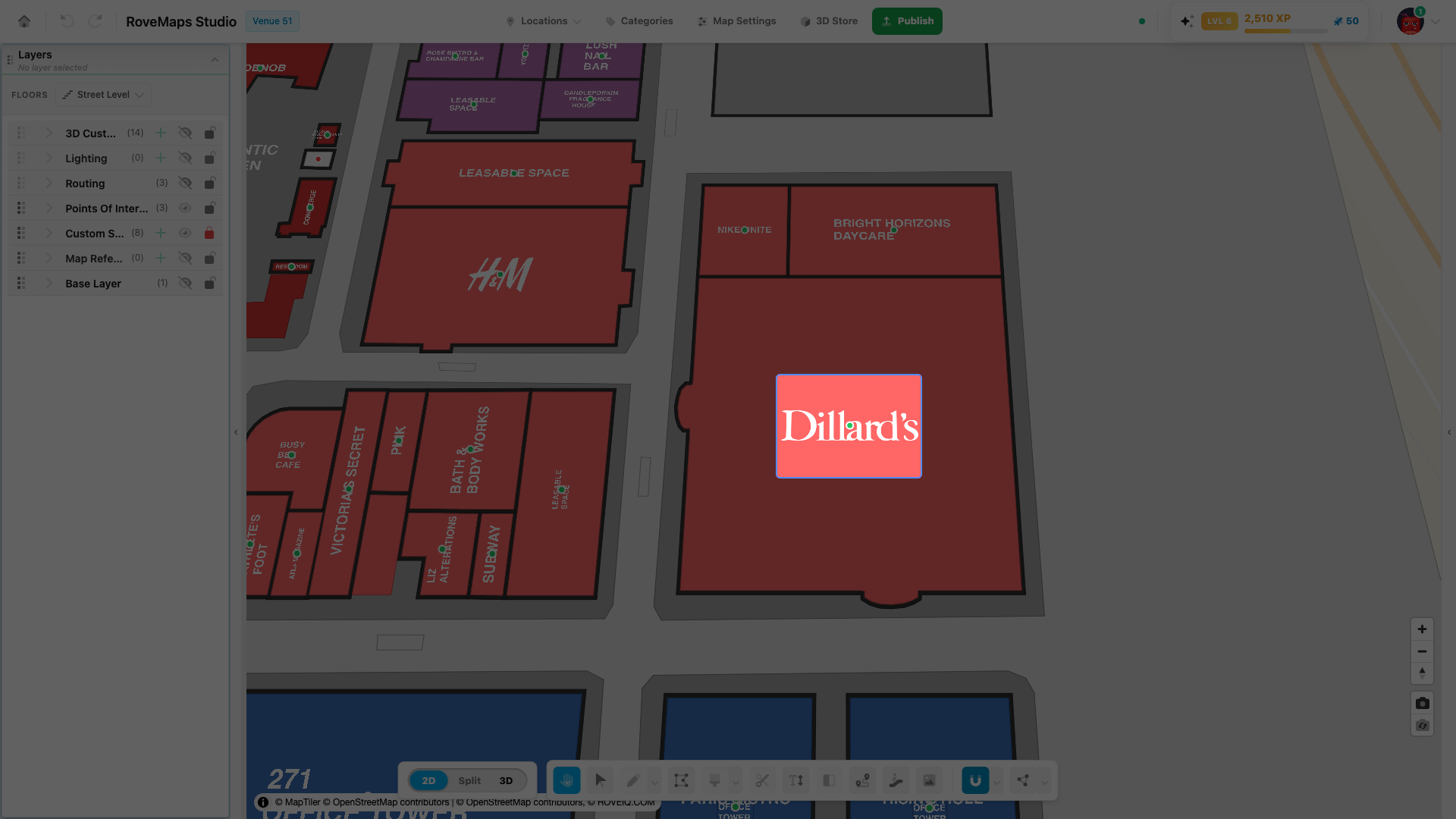
The handle dot’s color shows whether the suite has an activated location — the source of its label content.
- Green — the suite has an activated location, so its title or label content resolves from that location and renders on the map.
- Red — the suite has no activated location yet, so nothing is shown for the suite until a location is linked.
Notes
- The color flips the instant you associate a location with the structure or remove that association — you do both from the selected structure’s panel. See Link a location and Locations.
- The dot is also the grab point for the label and grows when you hover it. Only the red/green color reflects status; hovering or selecting the dot never changes its status color.
Select and reposition a suite label
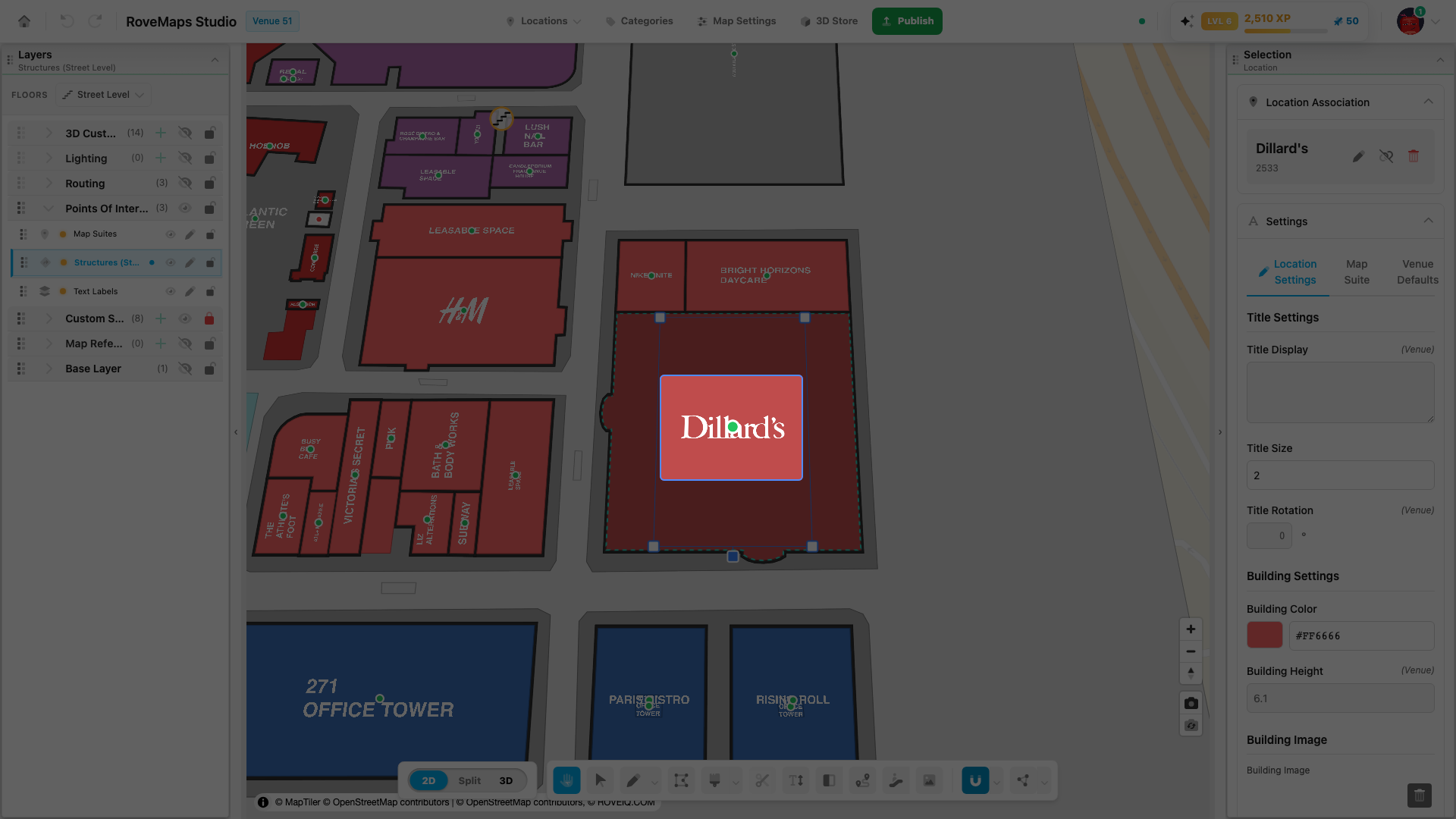
Click the handle dot to select the label. The Map Suite panel opens in the right drawer, and transform handles appear around the text.
- Move — drag the handle dot (or the label) to a new position.
- Resize — drag the corner handle to make the text larger or smaller.
- Rotate — drag the rotation handle to spin the text to any angle.
For the full transform how-to — including setting exact Title Size and Title Rotation values from the panel — see Resize, rotate, and move the label.
Title and label content
The text or image a suite shows, and its size, rotation, and color, resolve from the most specific setting available: the associated location first, then the suite’s own settings, then the venue defaults from Map Settings. When a structure is linked to a location, the suite’s content comes from that location.
To change what a suite shows, edit its label text from the structure’s panel, or set venue-wide defaults in Map Settings.
Floors and visibility
Suites are filtered by their floor_ids. A suite renders only when the active floor filter includes
one of its assigned floors. Individual suites can also be hidden without affecting the rest of the
layer. Per venue, all suites live in a single map suites layer.
Glossary
- Map suite — a structure’s on-map label: a point feature carrying the title text (or image) and label styling, rendered as the title plus a small handle dot at the structure’s centroid.
- Handle dot — the small dot at the label. Green means an activated location provides the label content; red means none is linked. It is also the grab point for moving the label.
suite_id— the shared identifier that links a suite to its structure (and doors): the structure’sidequals the suite’ssuite_id.- Activated location — a location record associated with the structure and turned on; it supplies the suite’s content and turns the handle dot green.