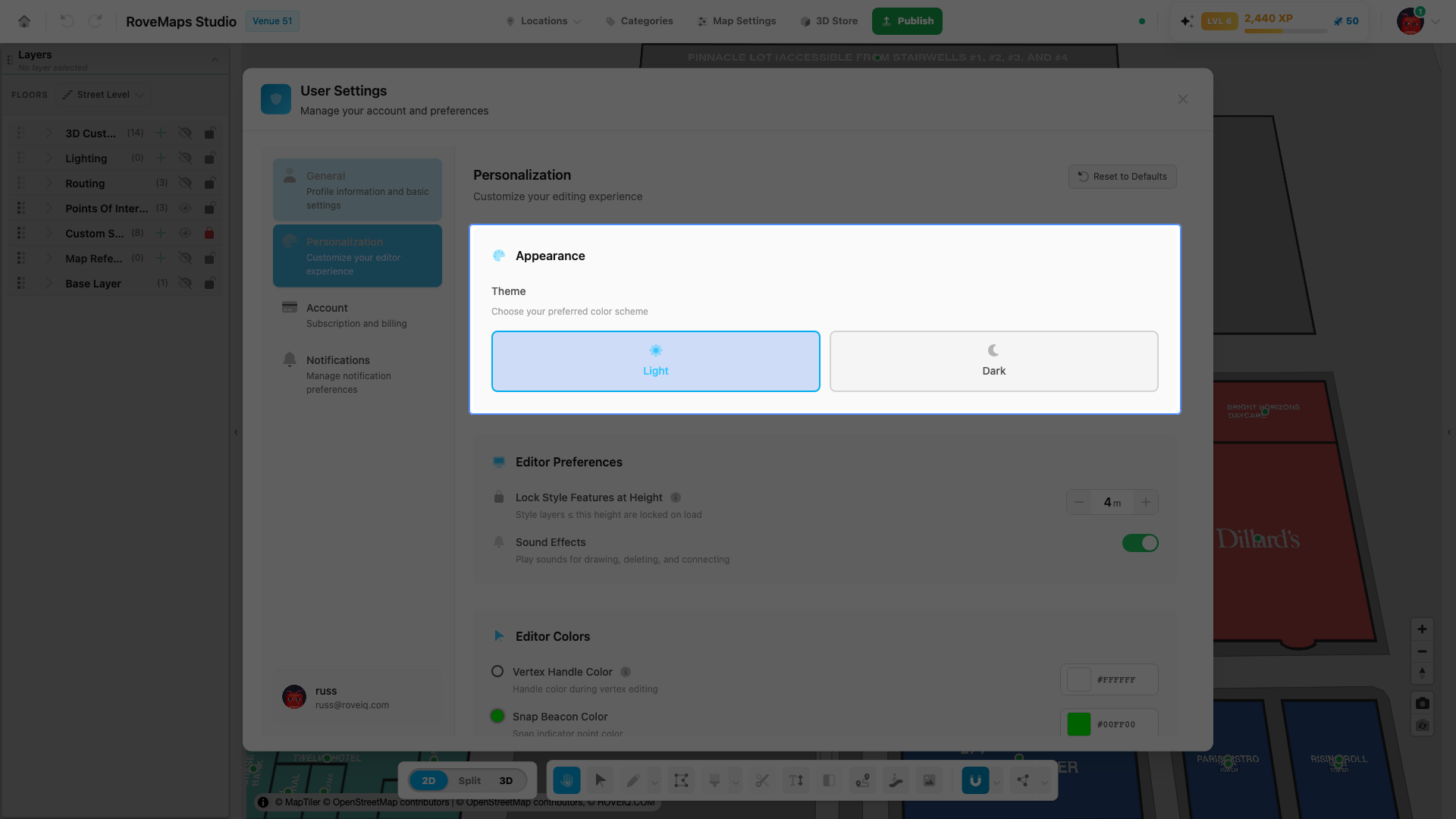
Light and dark theme
The theme controls whether the studio interface uses a light or dark color scheme. It is set in the Appearance card of the Personalization tab and defaults to dark. It styles the editor interface, not the map you are building.
Steps
- Open User Settings from the user menu and select the Personalization tab.
- In the Appearance card, under Theme, click Light or Dark.
- The interface switches immediately and your choice is remembered.
Notes
- The default is Dark.
- The theme affects the editor interface only, not the venue’s map data.
- Your choice is saved in your browser and persists across sessions. It is a personal preference and is not part of the map.