Floor Transitions
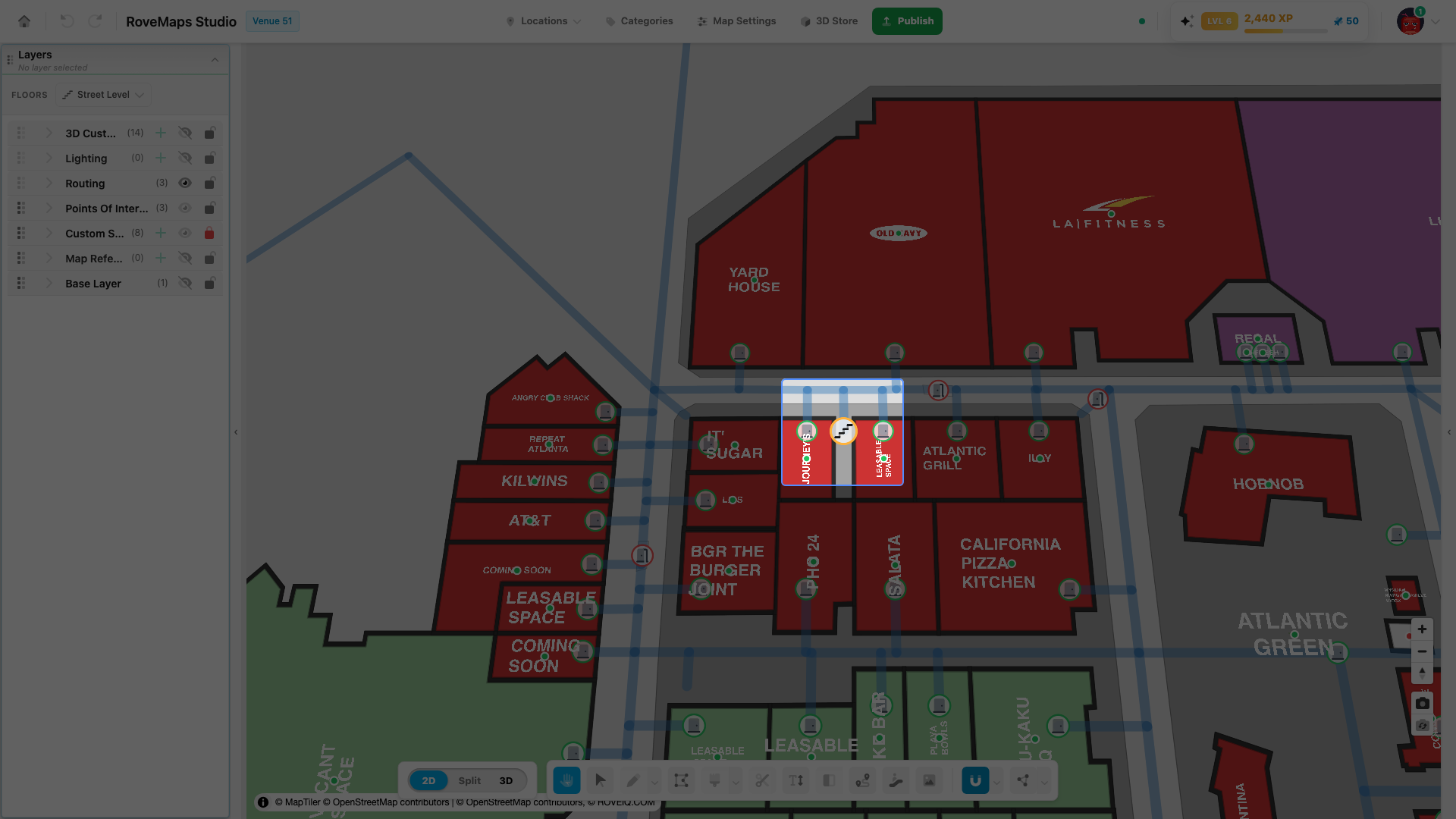
Floor transitions are the point features that connect a venue’s floors so a route can move vertically between them. Each transition is a stairway, elevator, or escalator, and lists every floor it serves. Place them with the Floor Transition tool, then edit them in the selected transition panel.
Transition types
A floor transition has one type, which sets the icon shown on the map:
- Stairs
- Elevator
- Escalator
The type is chosen in the selected transition panel. To place a new transition, use the Floor Transition tool.
What a floor transition stores
A floor transition is a single point with these properties:
- Type — stairs, elevator, or escalator (sets the map icon).
- Name — an optional label for the transition.
- Connected floors — the floors this transition links. The transition renders on each of these floors, so it stays visible as you switch between them in the floor filter.
- Direction — both, up only, or down only.
- Wheelchair accessible — whether the transition is accessible. Elevators are marked accessible automatically.
- Wheelchair accessible only — marks a transition that is reserved for accessibility use, such as a wheelchair-only lift. This is independent of Wheelchair accessible.
A transition with no connected floors is treated as serving every floor.
Routing connectivity
The editor continuously checks whether your routing network actually reaches each floor a transition connects, and reports one of these states in the selected transition panel:
- Connected — routing reaches every floor the transition serves.
- Partial — routing reaches some of its floors but not all.
- Disconnected — routing does not reach the transition’s floors.
Until a transition has floors assigned, the panel shows No floors assigned instead. The transition’s status circle is colored to match its state, so a vertical route only passes through a transition on the floors routing can actually reach. To clear a partial or disconnected status, build routing to and from the transition on each floor — see Routing.
Update a floor transition
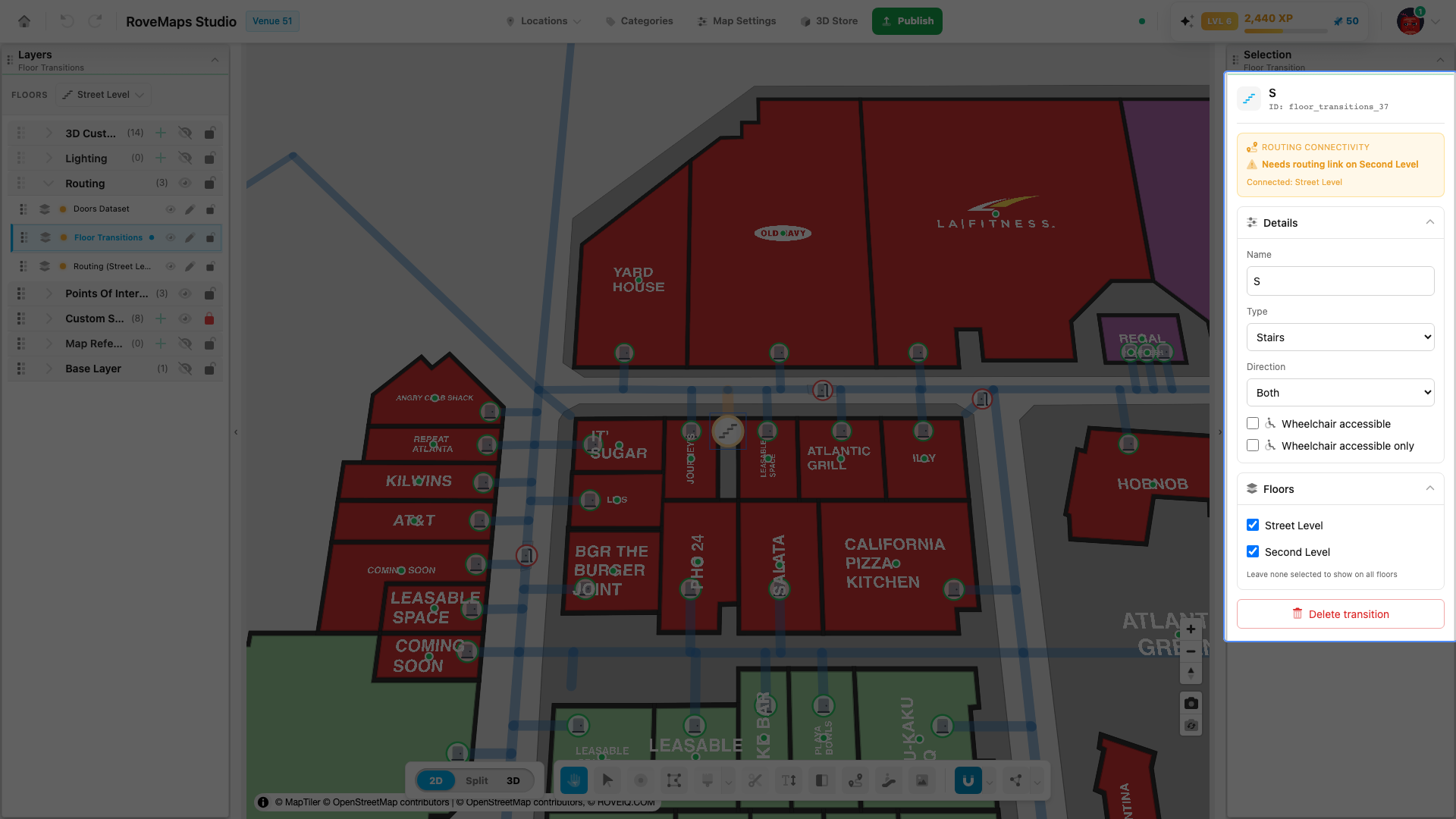
Click a floor transition on the map to open its panel. From there you can edit its Name, Type, Direction, Wheelchair accessible, and Wheelchair accessible only, and check the Floors it connects — changes save to your draft as you make them.
For the step-by-step of placing, editing, and deleting a transition, see the Floor Transition Tool.
Publish impact: Floor transition edits stay in your draft until you publish. On publish, each changed transition is sent as a feature-level change and appears in the publish preview under floor transitions; a deleted transition is removed from the live venue after the delete succeeds.
Glossary
- Floor transition — a point feature (stairs, elevator, or escalator) that connects two or more floors so a route can move between them.
- Connection state — whether the routing network reaches each floor a transition serves: connected, partial, or disconnected.
- Direction — which way the transition travels between floors: both, up only, or down only.
- Wheelchair accessible only — a transition reserved for accessibility use, such as a wheelchair-only lift; independent of the wheelchair-accessible flag.